
Worldeditor 2.7-beta 1 is now available. This is mostly a bug-fix release, but there are two new features included, including a refreshed UI!

Thanks to Marco and Cristiano, we can also join all the cool kids who have made their own dark themes. We also take a bit of a departure from a skeuomorphism design to try to bring more contrast. Have a go and let us know what you think! (Just don’t suggest a light mode)
Changelog
- Updated user interface with new “Dark Theme.”
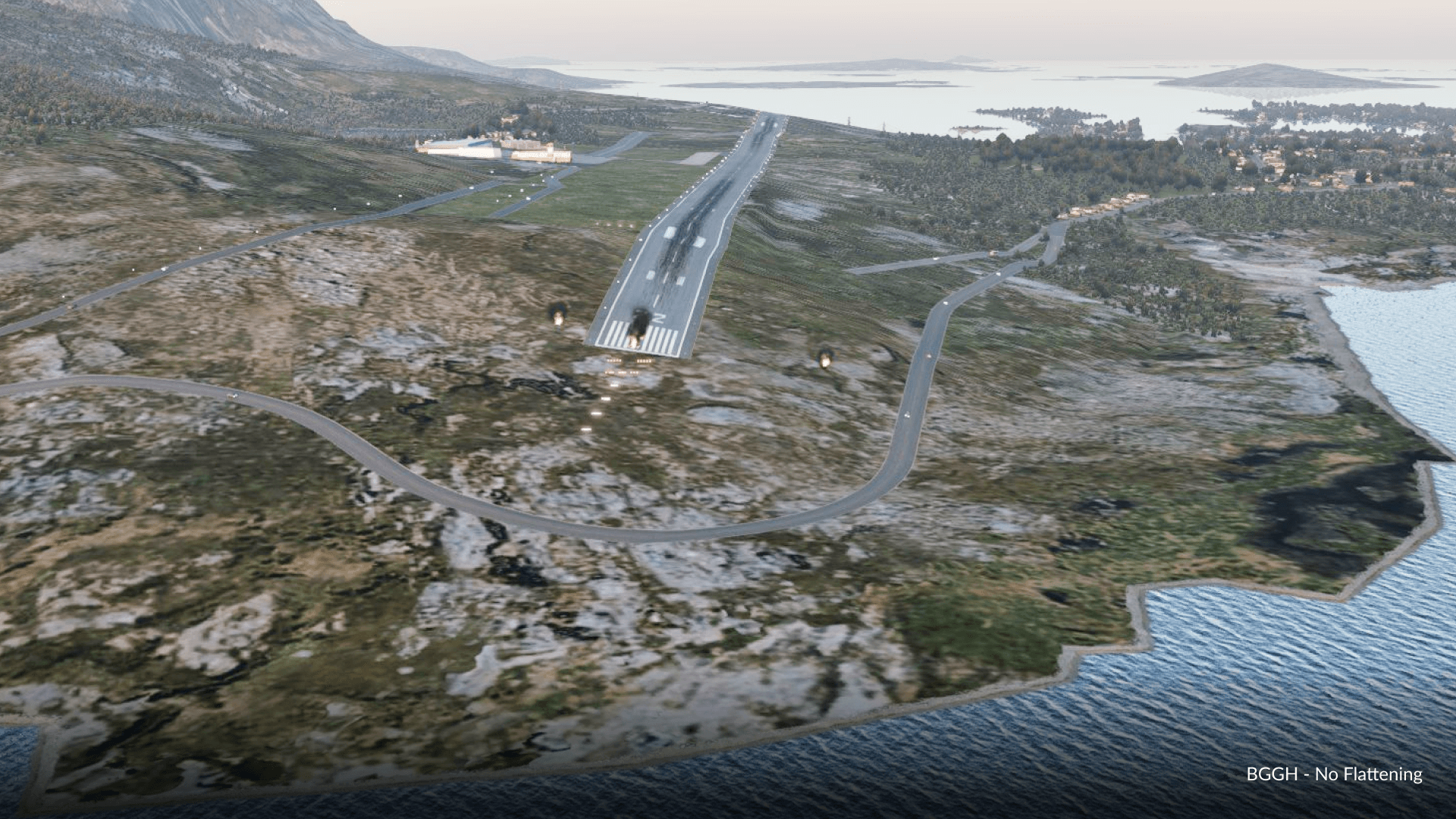
- New “Flatten Polygons” ability for scenery
- New metadata property to define the altimeter setting for the airport (QNH/QFE)
About Polygon Flattening

Lets get this out of the way. THIS IS NOT A SURGICAL MESH EDITING TOOL! This is for light corrections to default mesh.
Polygon flattening can be activated using the “Polygon Tool” and inserting the attribute “::FLATTEN::.pol” into the “Name” and “Resource” boxes. The “Heading” attribute will define the height of the surface, and set all elevation nodes within its borders to the MSL elevation in meters that you put into the texture “heading” field
To get a better idea of where the (default) mesh elevation points are, go to View->Toggle Terrain to preview the wireframe

- WED artists must take note that this ability is not a replacement for mesh-editing, and scenery submits using this must only be used where necessary! Be warned that the chance for rejection using this tool is quite high if improperly used!
- This will not create additional vertices in your mesh. Artists are still limited by mesh resolution
(Obvious points here, this is for current-gen scenery only. Not next-gen scenery. Breathe)


Excelente
Tried this, did not work or it messed up the scenery and mesh around it.
That’s actually my mistake, I did not clarify the use of the Heading field. Re-read the article.
Are the values we can input in the “Heading” field for the ::FLATTEN::.pol also limited to the usual 360 (degrees) or can we input any number? If the max. is 360 how can we define the height of a surface higher that 360 m MSL?
You can insert values ABOVE 360. So yes, you can define heights above 360m MSL.
Does the mentioned View->Toggle Terrain option show the wireframe of the active mesh or the default mesh?
(the usage of brackets in the description was not clear me).
Default Mesh
Is that the reason why the ::FLATTEN::.pol are only affecting the default mesh and not any custom meshes?
Yes, this is stated in the article!
You’re right. It wasn’t that t that obvious to me.
It’s a pity though. It would be very useful to have a tool like this to do light corrections to any active mesh. Not for gateway submissions but to improve some custom airports in one’s own setup.
Btw. Where should we report feature requests for future WED updates?
Tell you what, email me at dellanie@x-plane.com and I can pass feedback along. We should also have some revamps in the way we do “feedback requests” that is not limited to our Discord. So whenever that appears, that will also be an appropriate channel!
The new design – is blood from the eyes. What can be offered here. Return the old design as an alternative for now.
Sorry that you personally dislike it. But the design is now permanent (and seemingly well received from the messages you’ve received). What would be more helpful is specific feedback.
While I think the updated UI is a little cleaner and crisper overall, I find the black font on dark grey background on the input fields (Tool settings, Search, etc) is impossible to read without leaning right in to the screen. They really need to be higher contrast to meet any sort of accessibility standards. Usability over fashion please.
Beta 2 will have some minor tweaks.